> ## Documentation Index
> Fetch the complete documentation index at: https://docs.onyx.app/llms.txt
> Use this file to discover all available pages before exploring further.
# Custom Inference Provider
> Configure an OpenAI-compatible language model provider
## Guide
If you want to use a language model provider that is not supported directly by Onyx,
you can configure a custom inference provider.
Your custom provider must provide OpenAI-compatible API endpoints.
Determine your provider's API base URL.
It should look something like `https://yourprovider.com/v1` or `http://localhost:12345/v1`.
Access the Admin Panel from your user profile icon, then navigate to **Configuration → Language Models**.
Select **Add Custom LLM Provider** from the available providers.
Give your provider a **Display Name**.
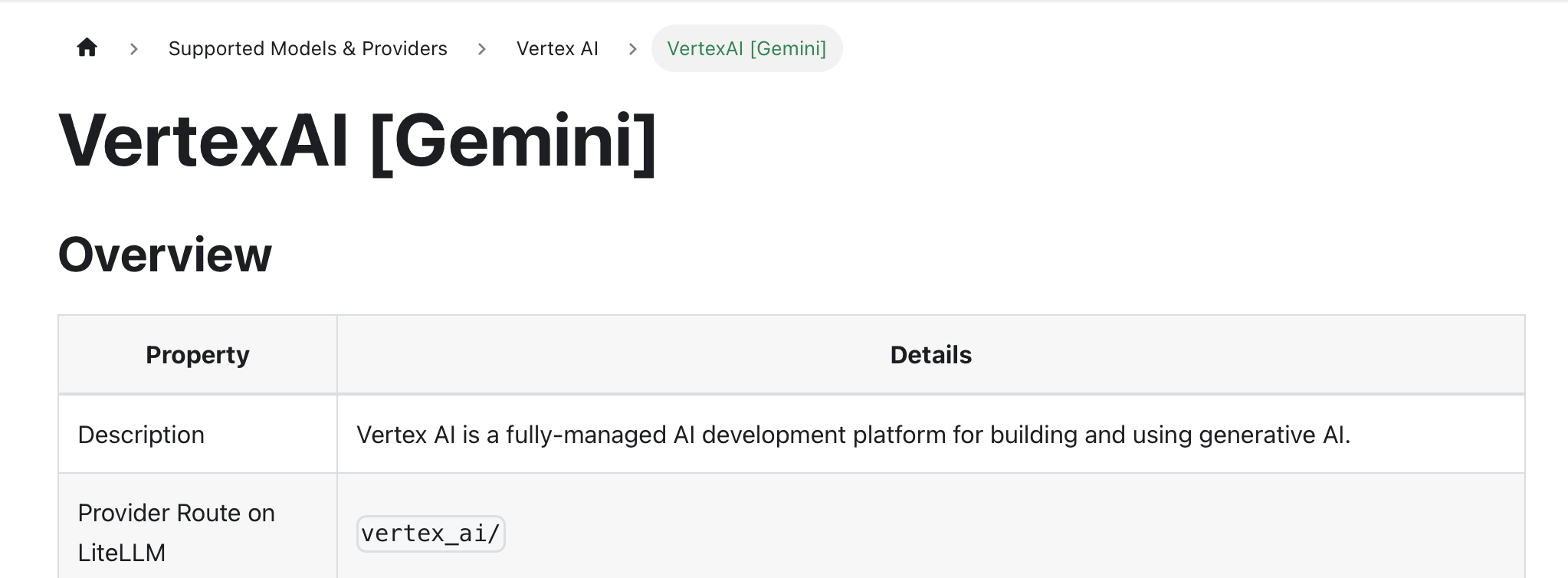
Enter your model's **Provider Name**.
The **Provider Name** must match Litellm's [list of supported providers](https://docs.litellm.ai/docs/providers).
In this example, the provider name is `vertex_ai`.
 Enter the provider's **Base URL**.
Fill out the other optional fields if applicable.
In the **Model Configurations** section, enter each model you want to make available through this provider.
Lastly, you may select whether or not the provider is public to all users in Onyx.
If set to private,
the provider's models will be available to Admins and User Groups you explicitly assign the provider to.
Enter the provider's **Base URL**.
Fill out the other optional fields if applicable.
In the **Model Configurations** section, enter each model you want to make available through this provider.
Lastly, you may select whether or not the provider is public to all users in Onyx.
If set to private,
the provider's models will be available to Admins and User Groups you explicitly assign the provider to.