> ## Documentation Index
> Fetch the complete documentation index at: https://docs.onyx.app/llms.txt
> Use this file to discover all available pages before exploring further.
# Desktop App
> Accessing Onyx via the desktop application
Use the Onyx desktop app for a integrated, seamless experience on your computer.
Access your organization's knowledge base without opening a browser:
Features include:
* Quick-launch from your system tray or dock
* Global keyboard shortcuts
* Desktop notifications
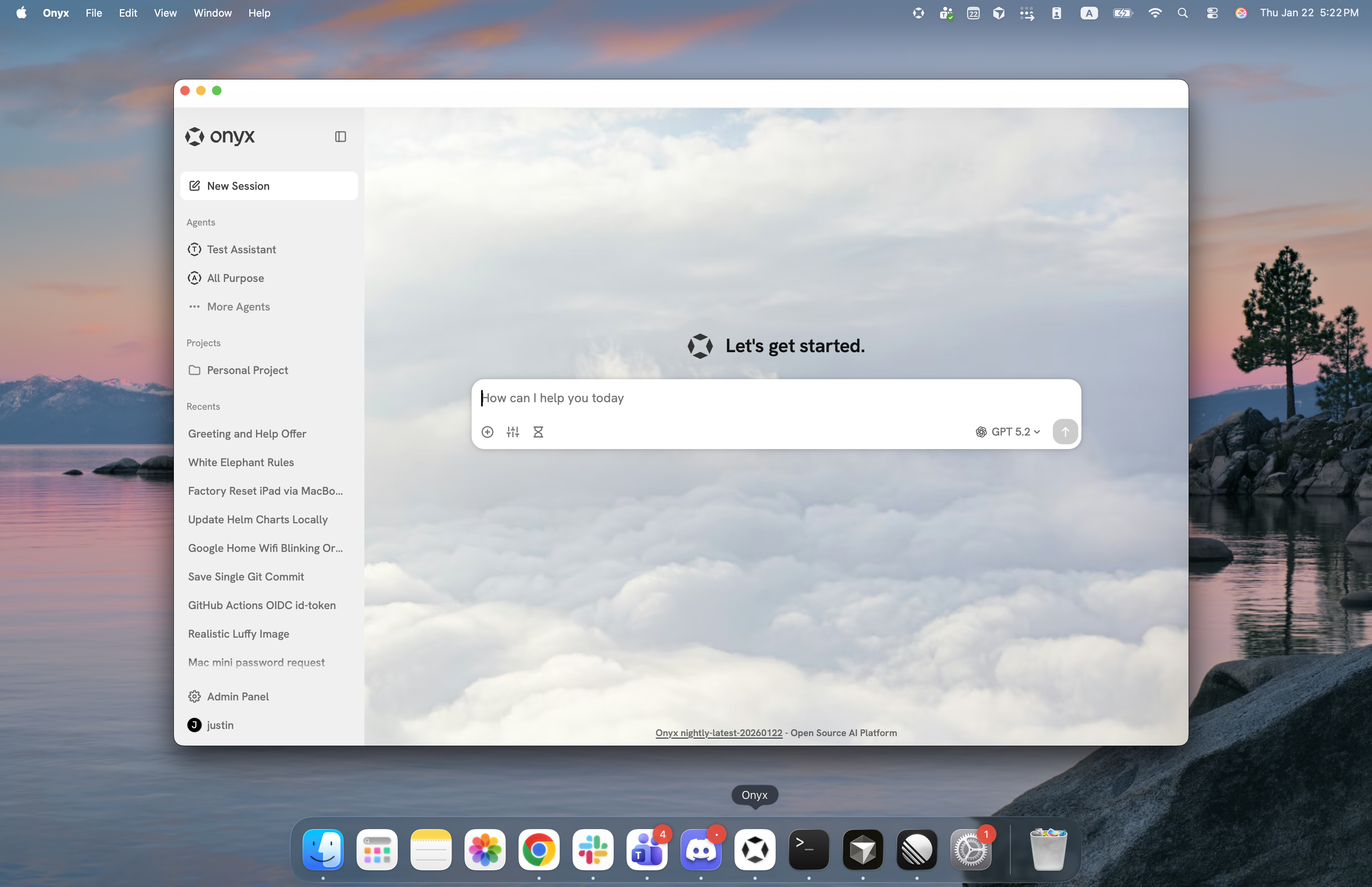 The Onyx Desktop App provides the same powerful features as the web interface,
optimized for desktop use with OS integrations.
## Download
Download .exe
Download .dmg
Download .deb
Additional architectures and formats (.msi, .rpm, .app.tar.gz)
available on the [GitHub Releases page](https://github.com/onyx-dot-app/onyx/releases/latest).
## Getting Started
**For Onyx Cloud users**: Download from the links above
**For self-hosted users**: Your administrator may provide pre-configured installation files,
or you can configure your Onyx server URL on first launch
**Need help?** Contact your Onyx administrator for installation assistance or configuration questions.
The Onyx Desktop App provides the same powerful features as the web interface,
optimized for desktop use with OS integrations.
## Download
Download .exe
Download .dmg
Download .deb
Additional architectures and formats (.msi, .rpm, .app.tar.gz)
available on the [GitHub Releases page](https://github.com/onyx-dot-app/onyx/releases/latest).
## Getting Started
**For Onyx Cloud users**: Download from the links above
**For self-hosted users**: Your administrator may provide pre-configured installation files,
or you can configure your Onyx server URL on first launch
**Need help?** Contact your Onyx administrator for installation assistance or configuration questions.