

The LLM decides when to use Code Interpreter based on your message. To force or block it for one chat,
open the actions menu in the input bar and toggle Code Interpreter.
You can also add it as an action on a custom Agent.
Features
Code Interpreter runs in an isolated sandbox. The sandbox has no network access and cannot read files outside of its own workspace.- Libraries: Common data libraries such as numpy, pandas, scipy, and matplotlib are pre-installed.
- File input: Files you attach to the chat or a Project are available to the code.
- File output: The code can create files. Onyx returns them to you in the chat.
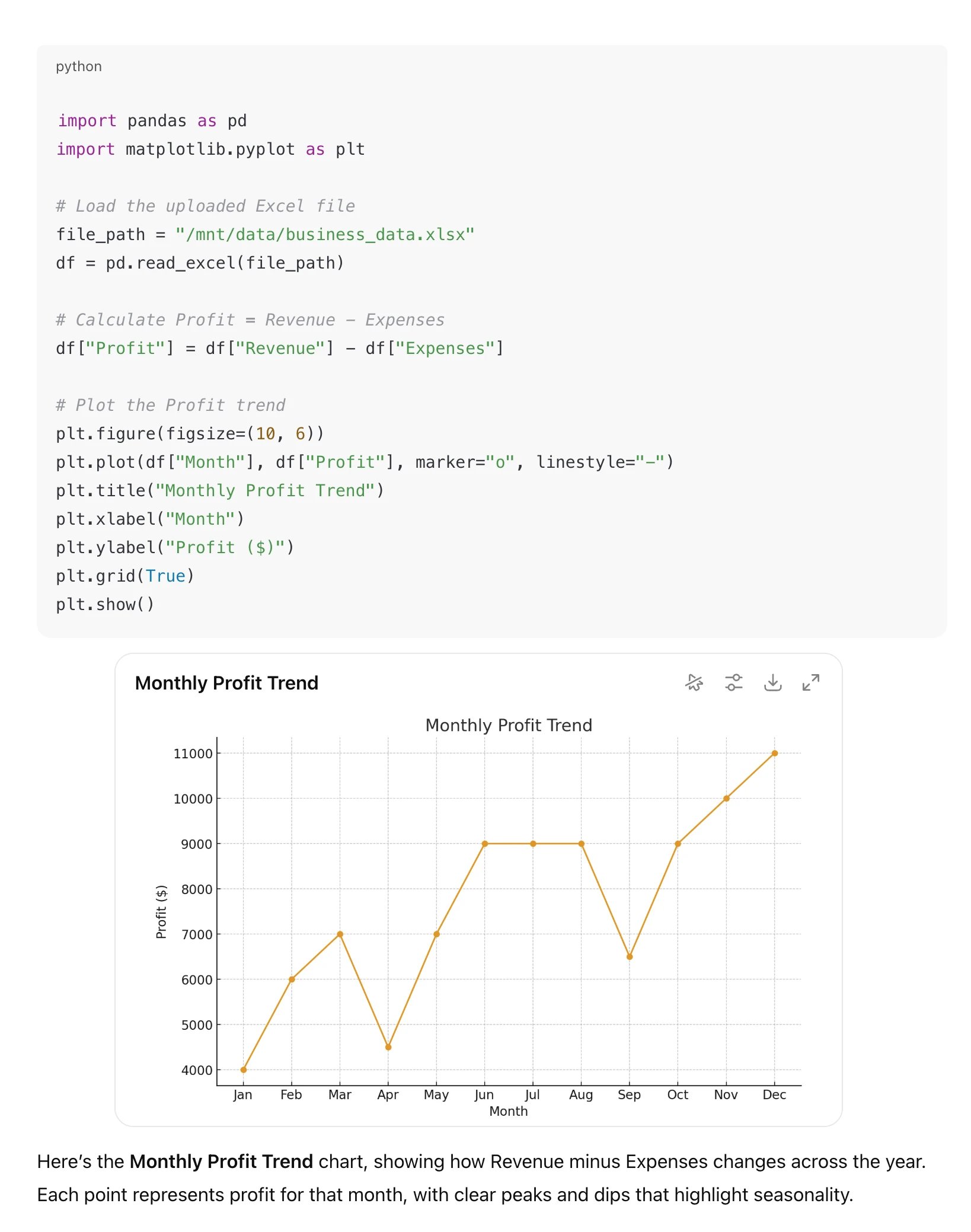
- Charts: The Chat UI renders charts and other visualizations in the conversation.