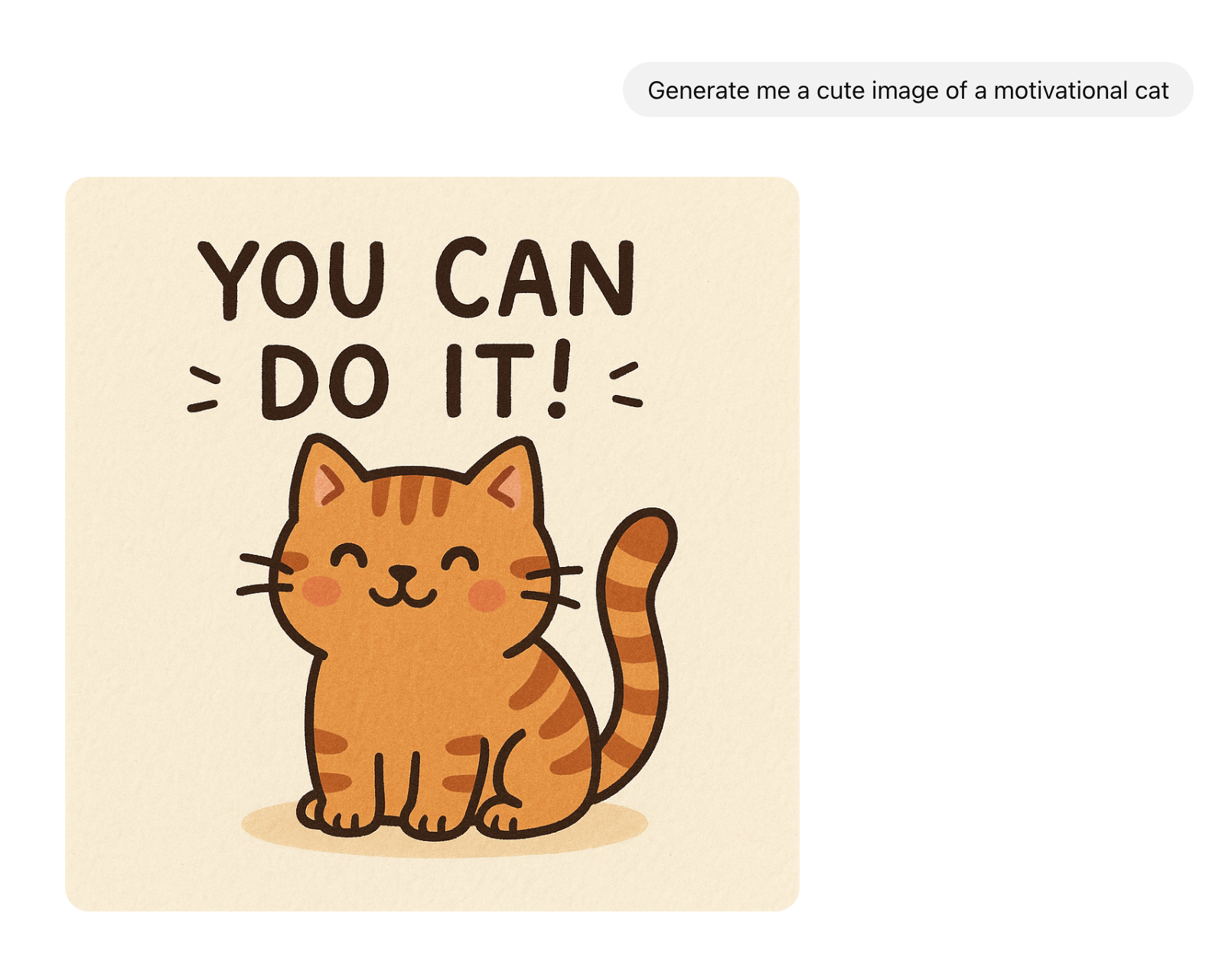
Currently, Onyx supports five models for image generation, through OpenAI, Azure or Vertex (Google). In the future,
we will be adding support for other options such as Stability AI.GPT-Image-1.5: Newest model, best for production-quality generation,
with strong prompt control and reliable in-image text/structured layoutsGPT-Image-1: Newer model, better prompt adherence. Likely a better default for most use cases.Nano Banana: Flash Gemini model designed for fast and efficient image generation. Great for fast,
creative exploration and simple tasks.Nano Banana Pro: Advanced Gemini model with professional and high-fidelity 4K output.
Great for complex tasks where consistency and details are key.DALL-E 3: Older model, slightly better for more imaginative and rich styles.
Configure your image generation models in the Admin Panel under Configuration → Image Generation.Once configured, you can invoke the Image Generation action from any Agent or AI model in Onyx.
Be explicit in prompting for specific Actions you want your Agent to invoke.
Was this page helpful?
Assistant
Responses are generated using AI and may contain mistakes.