

Admin Panel
Click your profile icon and select Admin Panel.The first user in your Onyx deployment is automatically an Admin. Only Admins can make other users Admins.
Editions
Some Admin Panel pages depend on your edition. Onyx has four editions:- Community Edition (CE): free, self-hosted, no license.
- Business: adds groups, permission sync, SSO, usage dashboards, theming, and the LLM Gateway.
- Enterprise: adds SCIM, custom analytics, hook extensions, and other advanced controls.
- Cloud: hosted by Onyx with Business or Enterprise features depending on your plan.
Core Admin Features
Language Models
Configure the language model providers and models available to your users.
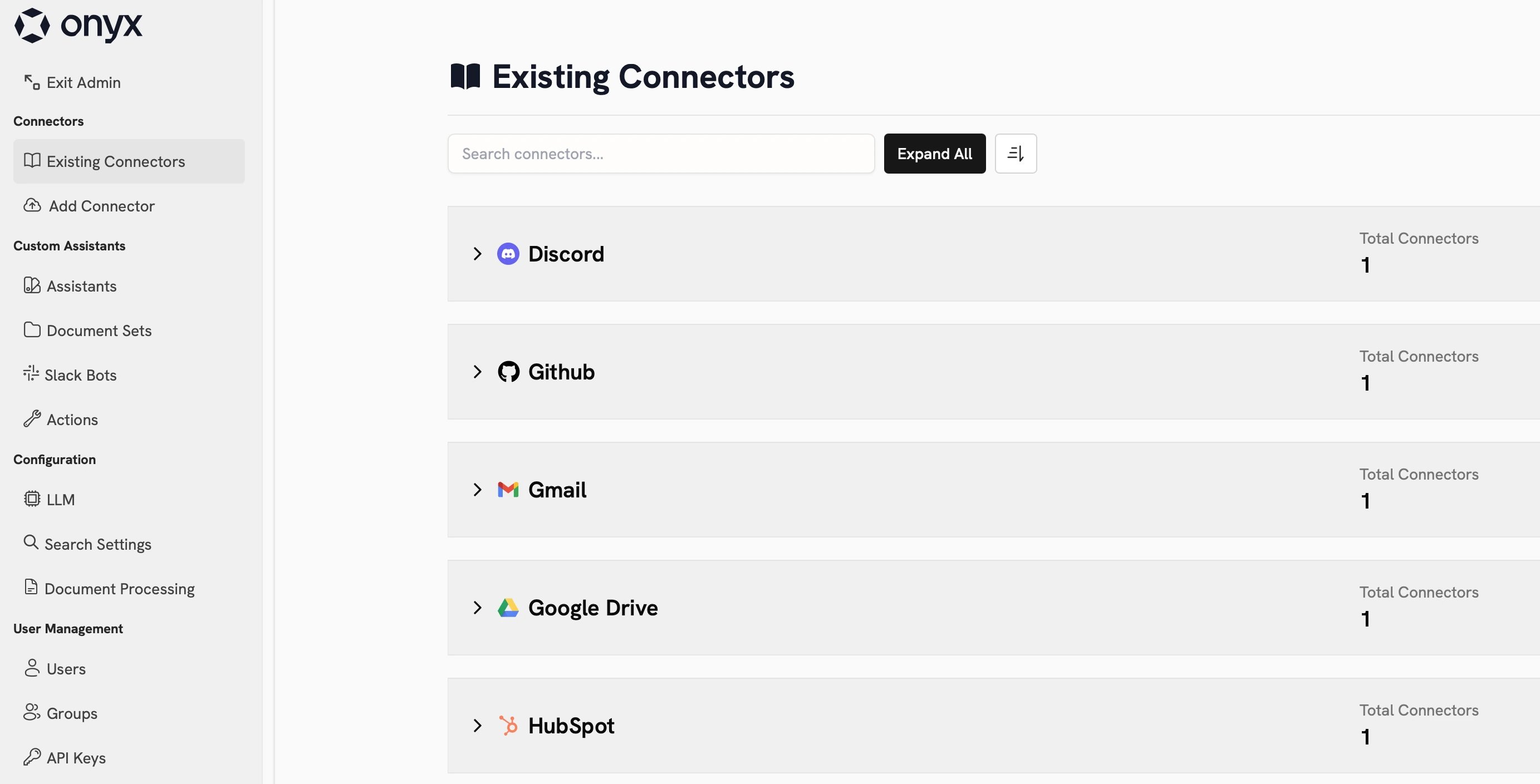
Connectors
Configure your connectors to index your organization’s data in Onyx.
Plugins
Add MCP servers, OpenAPI plugins, and Craft Apps for your agents.
Agents
Feature, list, and manage the custom Agents in your organization.
Slack Integration
Connect OnyxBot to Slack so users can ask questions from Slack channels and DMs.
User Management
Manage users, groups, and API keys.
Usage & Analytics
Monitor usage, feedback, and query history across your workspace.
Advanced Configs
Configure search, processing, multilingual settings, rate limits, and branding.
Plans & Billing
Subscribe to a plan, manage seats, and view your billing details.