

Overview
The Onyx Discord bot lets you use Onyx chat directly in a Discord server.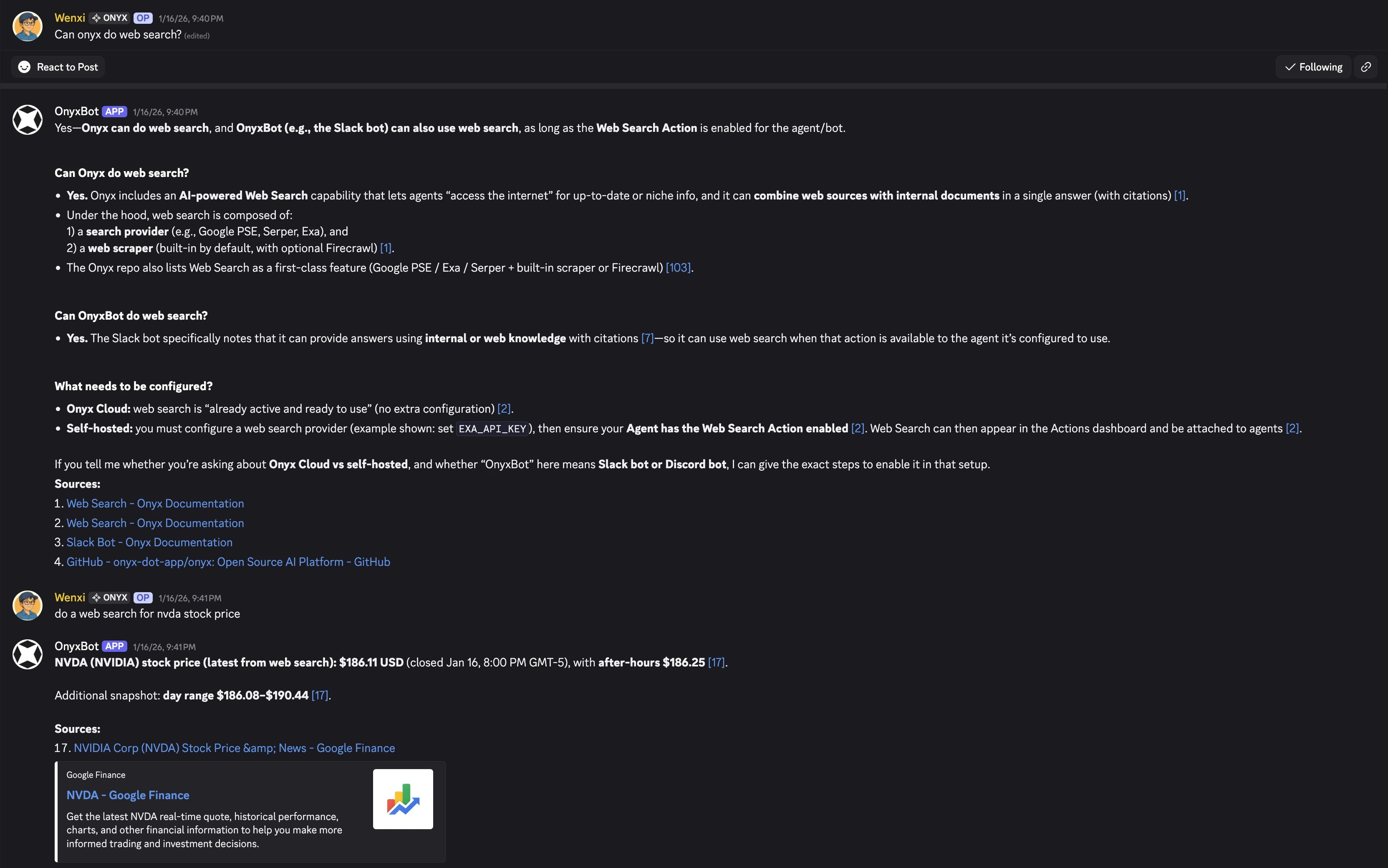
Features
- Install on any server you manage
- Set a default Agent for the server, and a different Agent for each channel
- Answer every message in a channel, or only messages that mention the bot
- Reply in the channel or in thread-only mode
- Works in channels, threads, and forums
- Answers include citations that link to the sources
How it works
Your admin connects a server in Admin Panel > Integrations > Discord Integration. Onyx gives your admin a registration key. Run!register <key> in your Discord server to link it to Onyx.
Run !sync-channels to make your channels visible in Onyx.
Channels are turned off until your admin enables them in Onyx. The bot answers as a shared Onyx service identity.
The documents it can use depend on the Agent set for the server or channel, not on the Discord user who asked.
The Discord bot is available on all editions. On Onyx Cloud, use the official OnyxBot.
Self-hosted deployments can run their own bot with their own Discord bot token.