

The LLM Gateway is available with Onyx Enterprise.
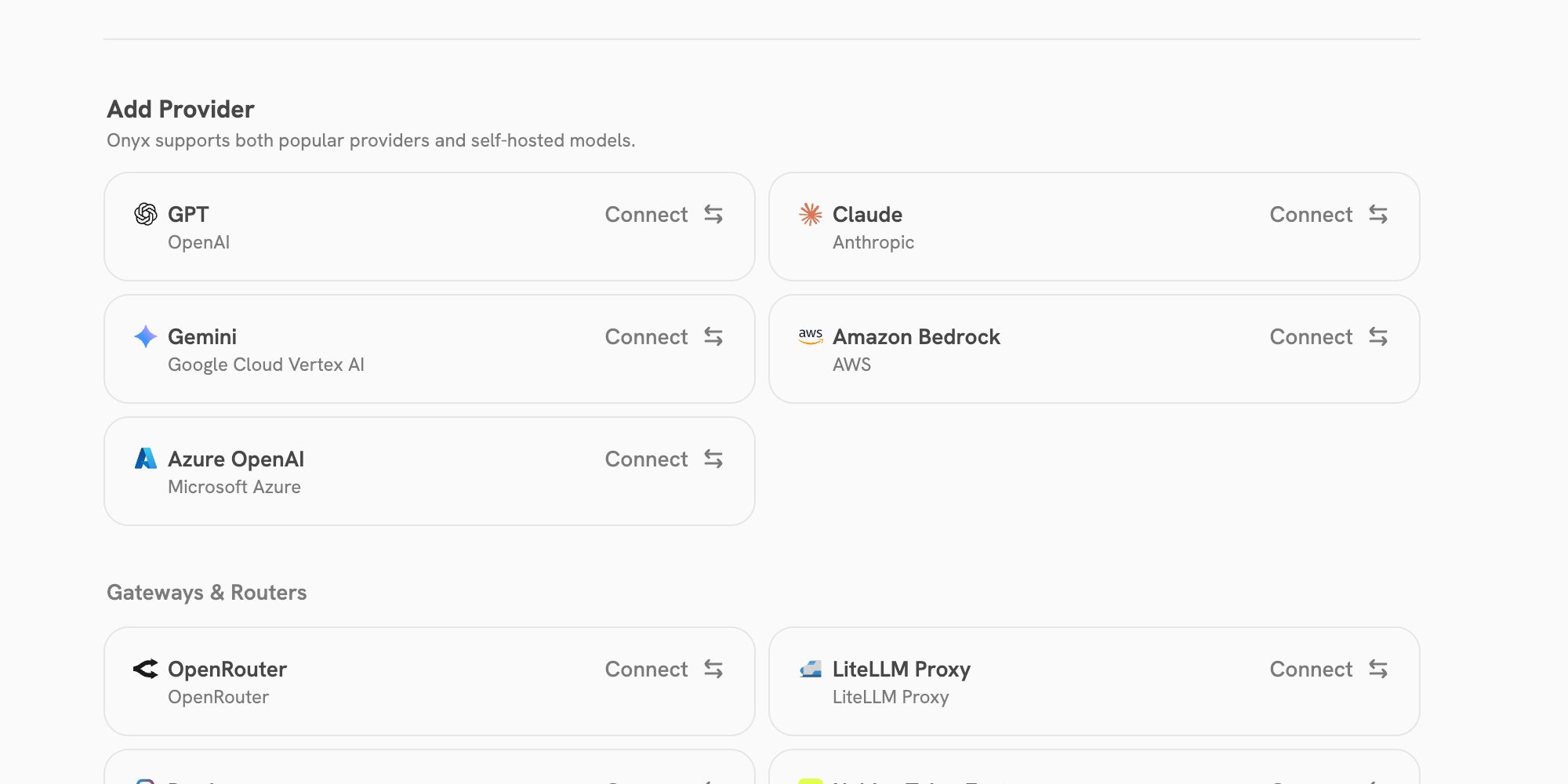
An administrator must configure at least one visible language model before it can serve requests.
What the gateway provides
- An OpenAI-compatible Chat Completions endpoint.
- An OpenAI Responses endpoint.
- An Anthropic Messages endpoint and token-count endpoint.
- The models that your Onyx identity can access.
- Usage attribution through the existing Onyx usage views.
- The same model access controls and token limits that apply in Onyx.
Before you begin
You need all of the following:- An Onyx administrator has configured a language model and made it visible.
- Your Onyx account has access to that model.
- A Personal Access Token (PAT) with the LLM Gateway scope.
Gateway address
For a standard Onyx deployment, use:/gateway/v1.
Every request uses a Bearer token:
Find an available model
The easiest way to find a model ID is in Settings > LLM Gateway. The section appears only when at least one model is visible and accessible to your account. Open a provider, then copy the ID beside the model that you want to use. The copied value already has the required format: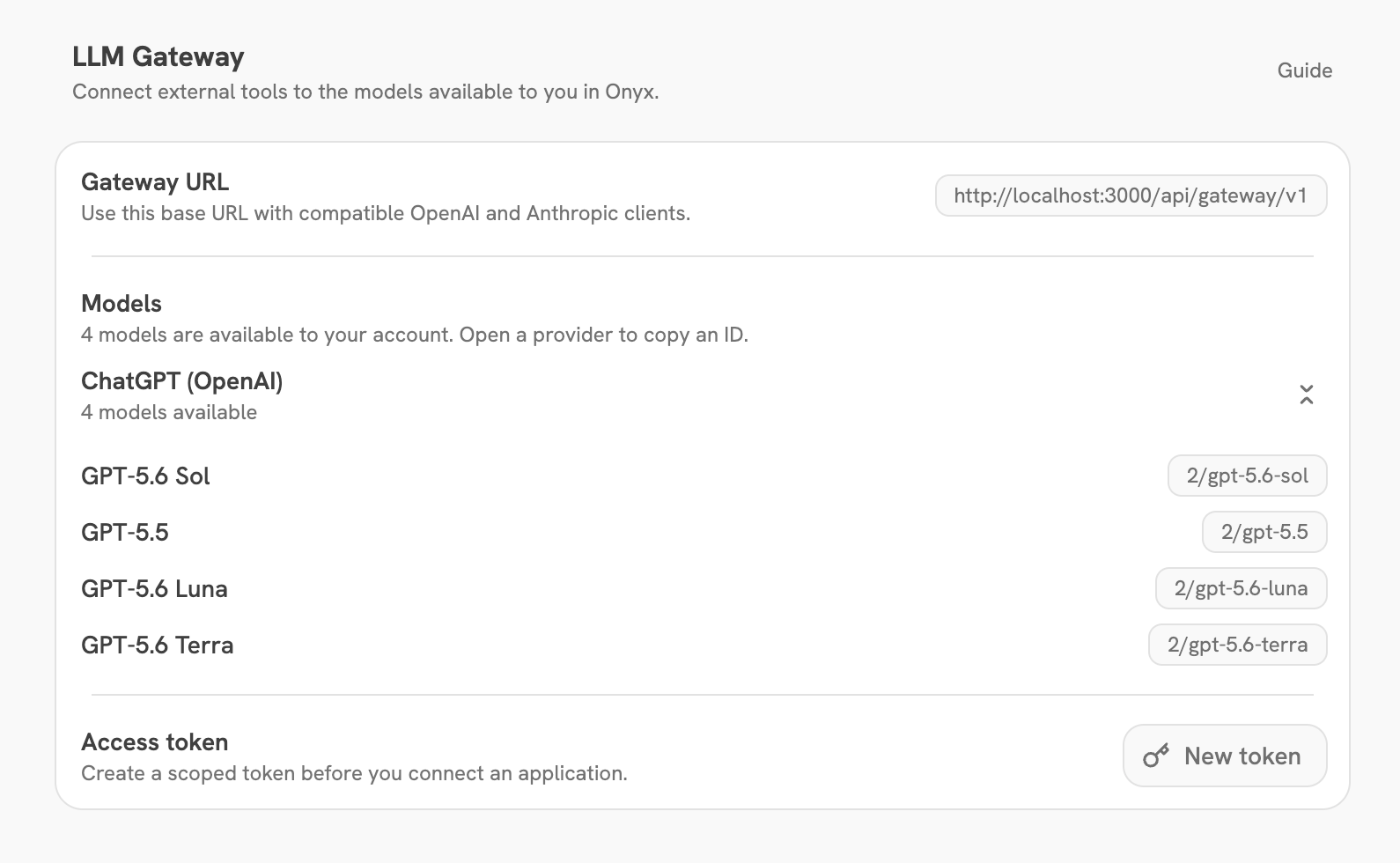
12/gpt-5-mini means:
12is the Onyx ID for the configured provider.gpt-5-miniis the model name configured for that provider.
model value in your client. Do not replace the provider ID with the provider name.
Use Settings to find a model ID for each client configuration.
OpenAI Chat Completions
Point OpenAI-compatible clients at the gateway URL. This example uses the official OpenAI JavaScript SDK.TypeScript
stream: true uses server-sent events.
OpenAI Responses
The gateway also supports the OpenAI Responses API. Use the same base URL and model ID.TypeScript
Gateway responses are stateless. Send the context that a later turn needs;
do not rely on a previous response ID being stored by Onyx.
Anthropic Messages
For Anthropic-compatible clients, send requests to the gateway’smessages endpoint with the same Bearer token and model ID.
POST /messages/count_tokens.
Use with coding agents
Use the gateway with Claude Code or Codex to give coding-agent requests the same model access controls, usage attribution, and token limits as other gateway traffic.Claude Code
Set the gateway’s parent endpoint as the Anthropic base URL, then use a Claude model ID from Settings:/v1/messages, which resolves to the gateway’s Anthropic Messages endpoint.
Use a model ID from your own Settings page. Provider IDs differ by deployment.
Codex
Create a Codex profile at~/.codex/onyx.config.toml:
OpenCode
Add the gateway as an OpenAI-compatible provider in your project’sopencode.json:
@ai-sdk/openai-compatible provider uses the gateway’s Chat Completions endpoint.
Replace the example model with one from your Gateway Settings.
Usage and limits
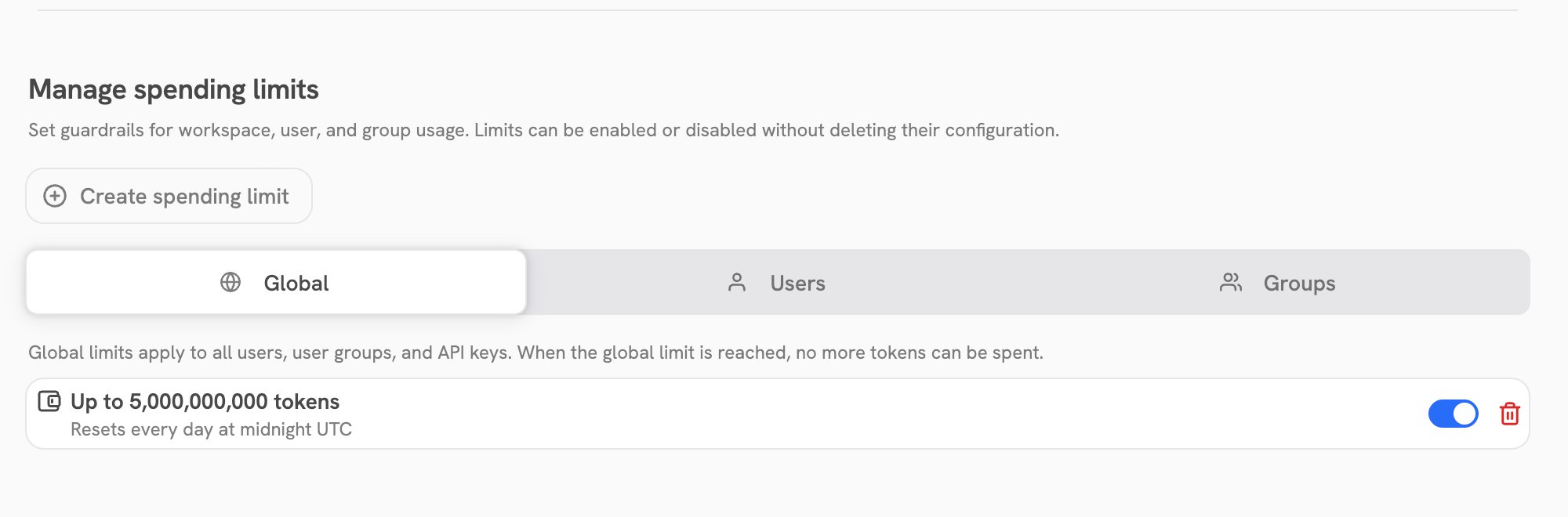
Gateway requests use the calling user’s Onyx permissions. If the user loses access to a model, the gateway no longer exposes or accepts that model for the user. Administrators can review token use and estimated model cost in Admin PanelUsage. They can also apply global, group, or user token limits there. Those limits apply before the gateway sends a generation request to a model provider.
Native passthrough
Requests that resolve to an Anthropic provider or a true OpenAI model are proxied natively to the provider. Hosted and server tools, extended thinking, and fine-grained streaming pass through unchanged. Requests for other providers are translated through the OpenAI-compatible path. Self-hosted administrators can turn passthrough off with these environment variables on the API server:ANTHROPIC_GATEWAY_PASSTHROUGH_ENABLED=false: send Anthropic-backed providers through the translation path.OPENAI_GATEWAY_PASSTHROUGH_ENABLED=false: send true-OpenAI models through the translation path.
Common errors
Next steps
Configure language models
Add providers and control which models are visible.
Create a Personal Access Token
Create and manage the token used by your application.