

- Quick-launch from system tray or dock
- Desktop notifications
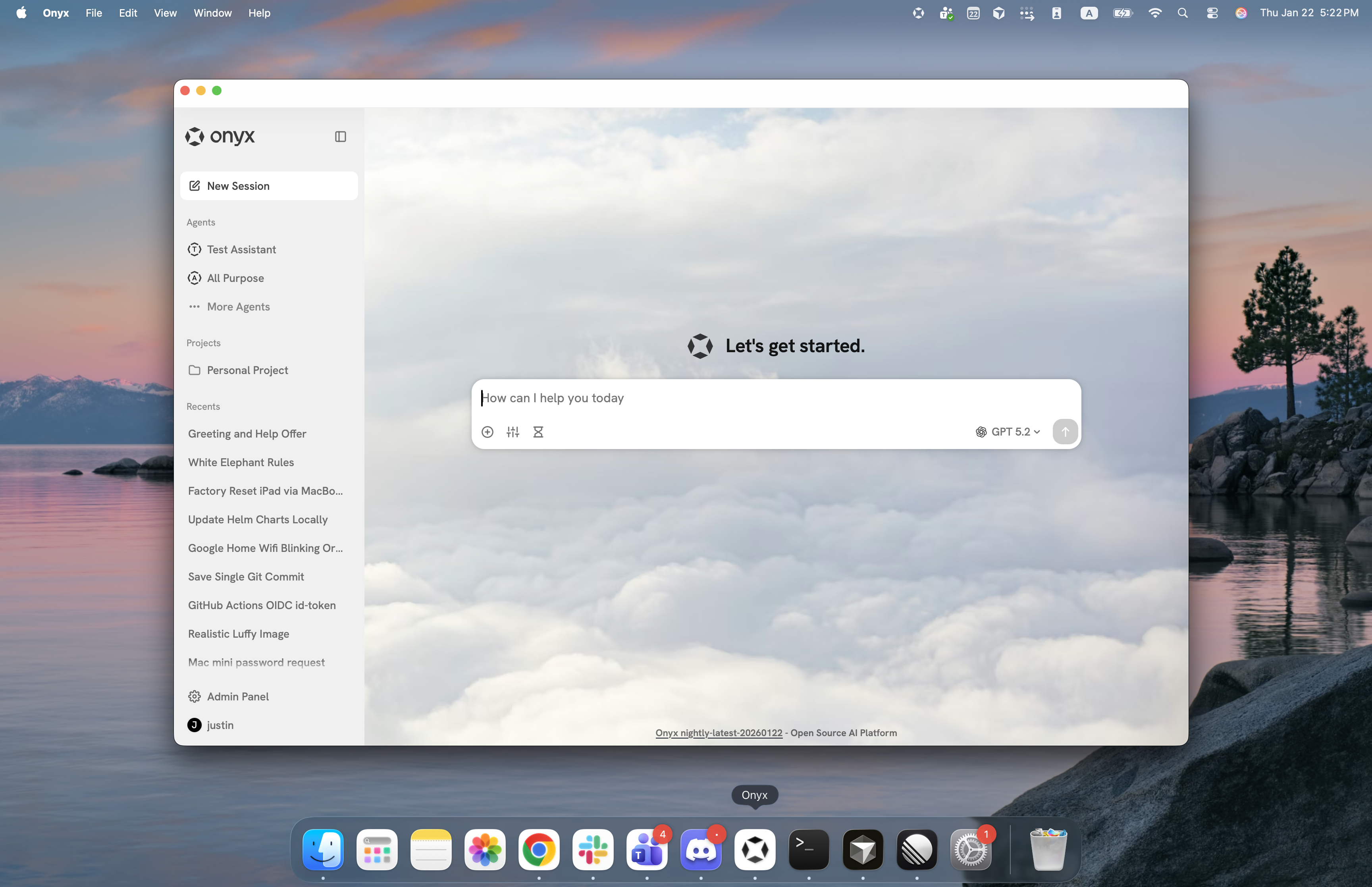
The desktop app is used for connecting to an Onyx server backend. Users will need access to the Onyx instance URL.
It cannot connect directly to a local inference backend.
Download
Download the latest Onyx Desktop App for your platform:Windows
Download for Windows (.exe)
macOS
Download for macOS (.dmg)
Linux
Download for Linux (.deb)
First Launch
Self-hosted users: On first launch, the app opens a Settings screen to configure the connection to your Onyx instance:- Server URL: Your Onyx instance URL (e.g.,
https://onyx.yourcompany.com) - Authentication: Sign in with your configured authentication method
⌘ , on macOS, Ctrl , on Windows and Linux).
Enterprise Deployment
For organizations rolling out the desktop app at scale, you can pre-configure the Server URL (and other options) so users skip the first-launch Settings prompt entirely. Place aconfig.json file on each machine before the user first opens the app. On launch,
Onyx reads the file and connects to your instance directly; users only need to sign in.
Configuration File Location
The app reads its settings from aconfig.json file at the following location:
- Windows
- macOS
- Linux
config.json: