

Setting up Voice Mode
1
Navigate to the Voice Mode Dashboard
Click your user profile icon and select Admin Panel, then select the Voice Mode tab in the sidebar.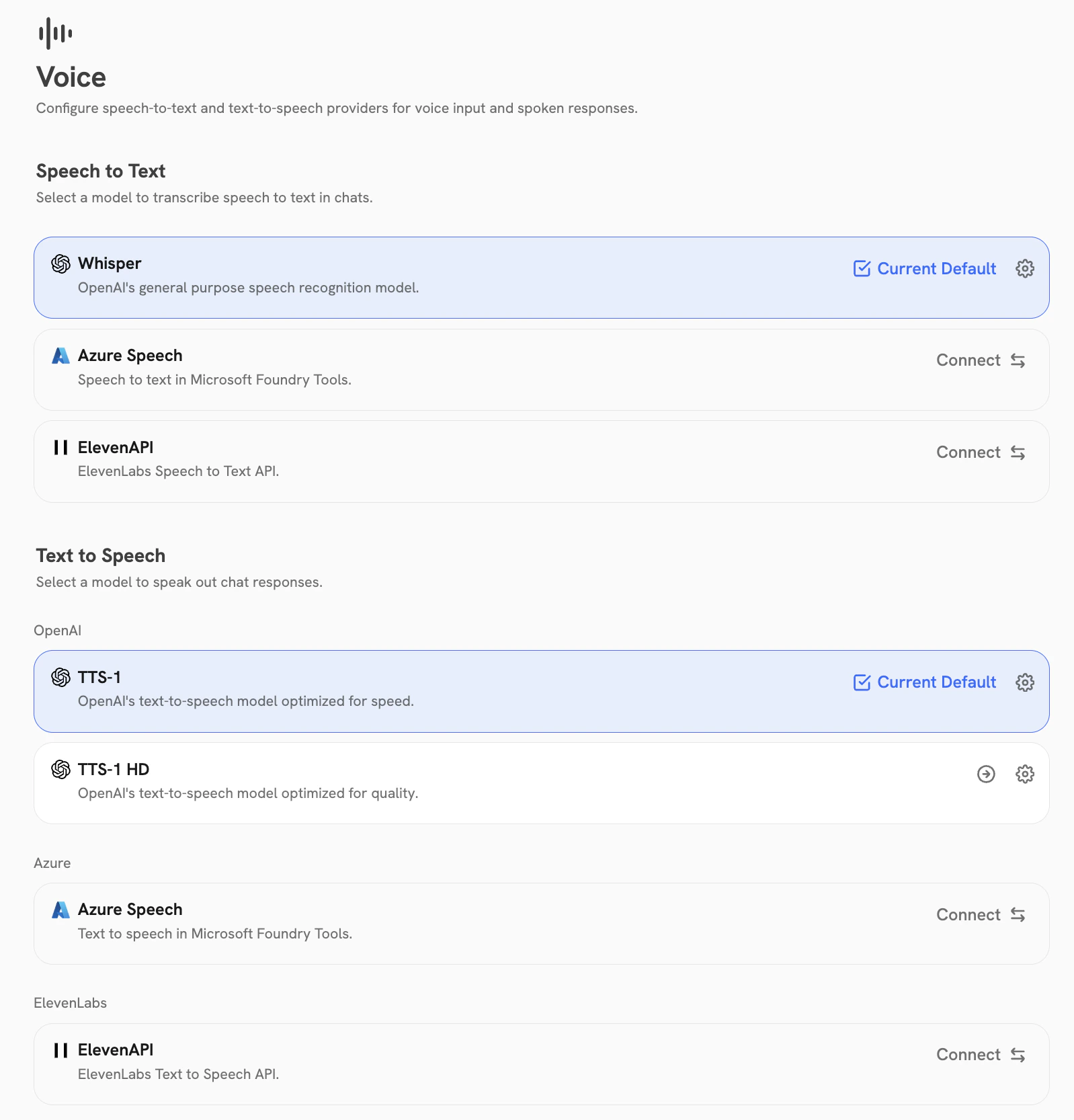
2
Set up Speech-to-Text (STT) provider
Configure a provider to transcribe user speech into text.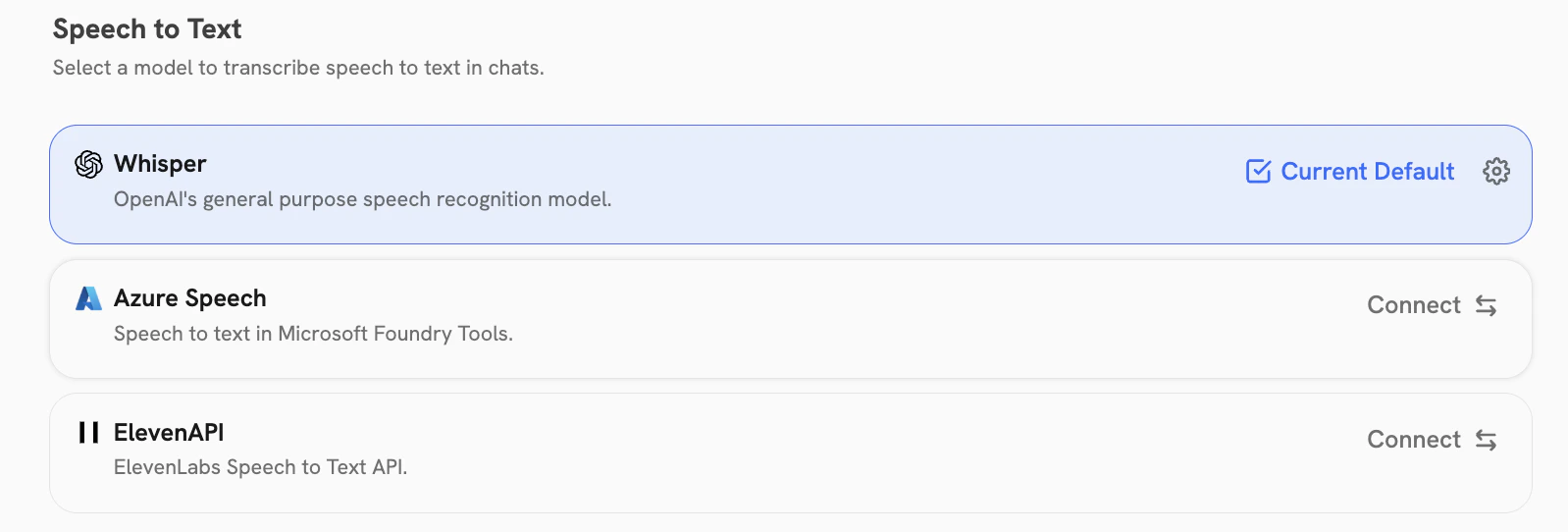
- OpenAI Whisper
- Azure STT
- ElevenLabs
1
Get an OpenAI API key
Navigate to the OpenAI dashboard and create a new API key,
or reuse an existing OpenAI API key already configured for your LLM provider.
2
Enter the API key
Click Connect and enter the API key.
3
Set up Text-to-Speech (TTS) provider
Configure a provider to convert AI responses into spoken audio.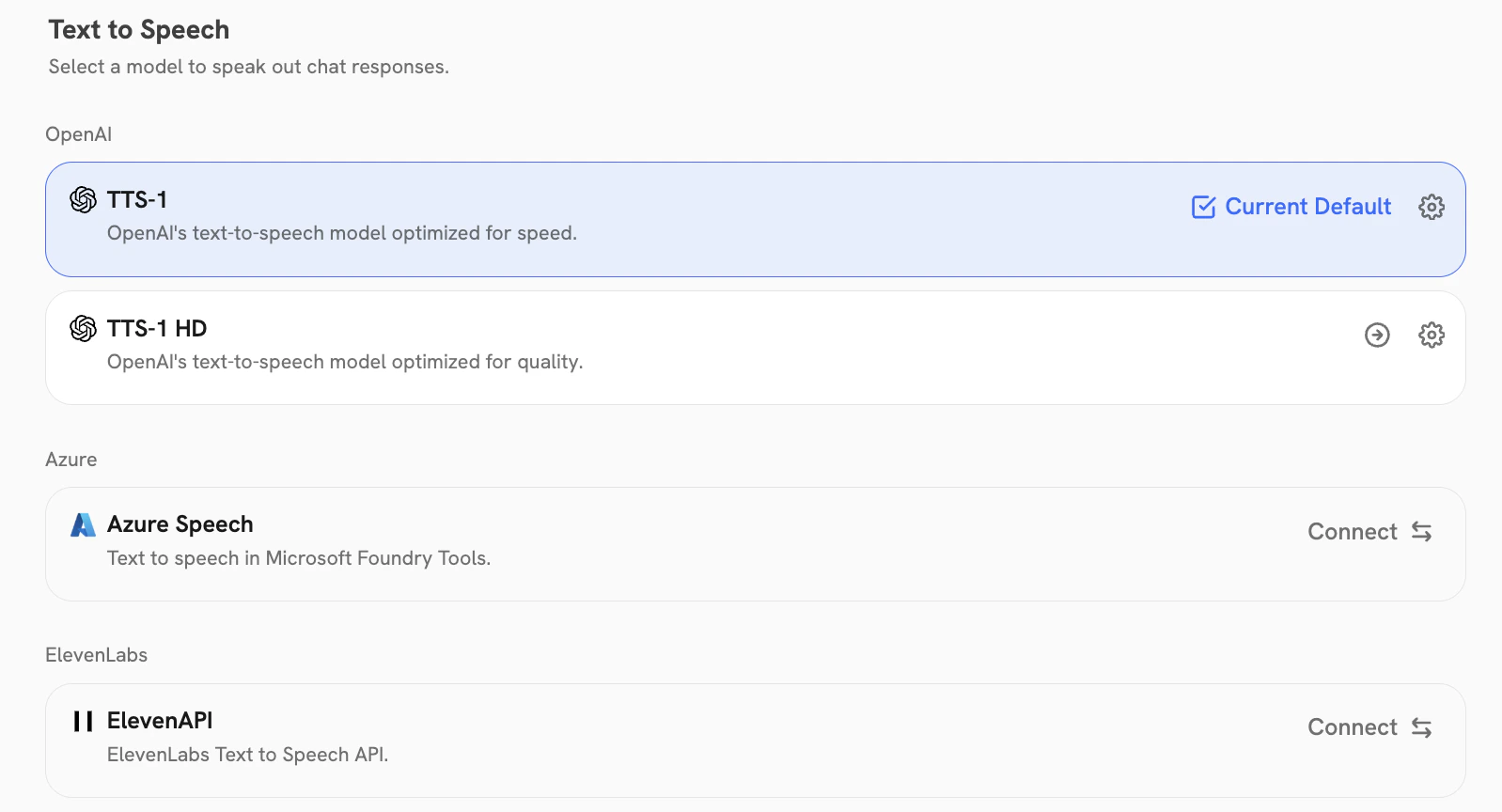
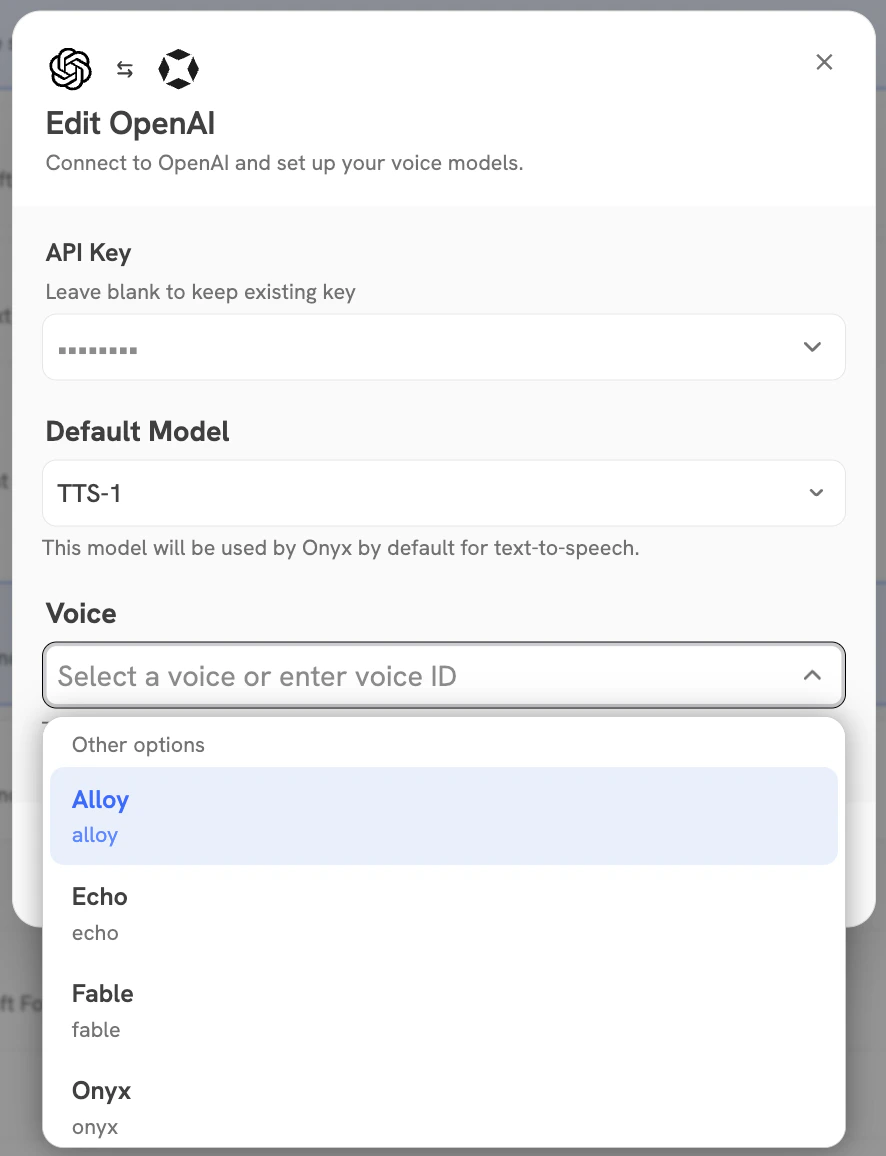
- OpenAI TTS-1
- OpenAI TTS-1 HD
- Azure TTS
- ElevenLabs
1
Get an OpenAI API key
Navigate to the OpenAI dashboard
and create a new API key (or reuse the one from Whisper).
2
Enter the API key
Click Connect and enter the API key.
4
Set Default Provider
If you have multiple providers configured,
make sure to Set as Default for both your preferred STT and TTS provider.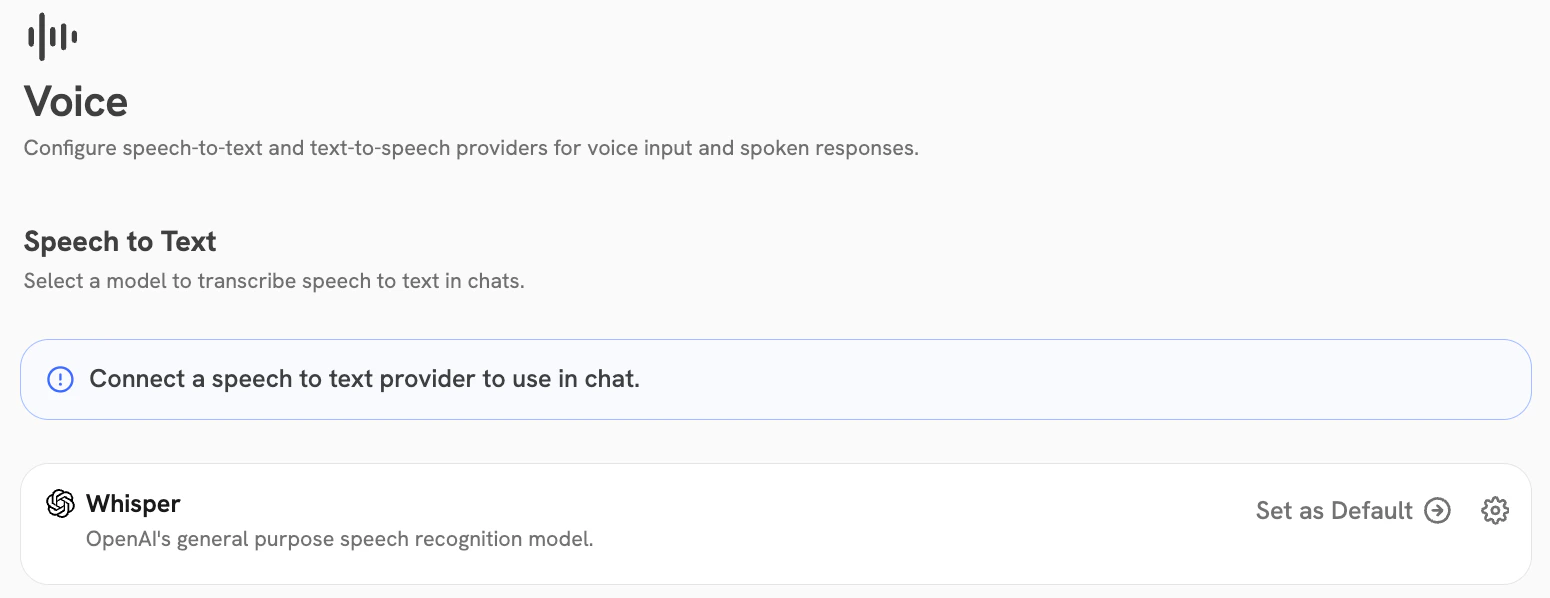
Make sure your users have microphone access enabled in their browser to use Voice Mode.