

Overview
Document Sets allow you to group logically connected documents into a single bundle. These can then be used as a filter when performing searches to control the scope of information Onyx searches over.Creating a Document Set
1
Navigate to Document Sets
In the Admin Panel, go to the Document Sets section.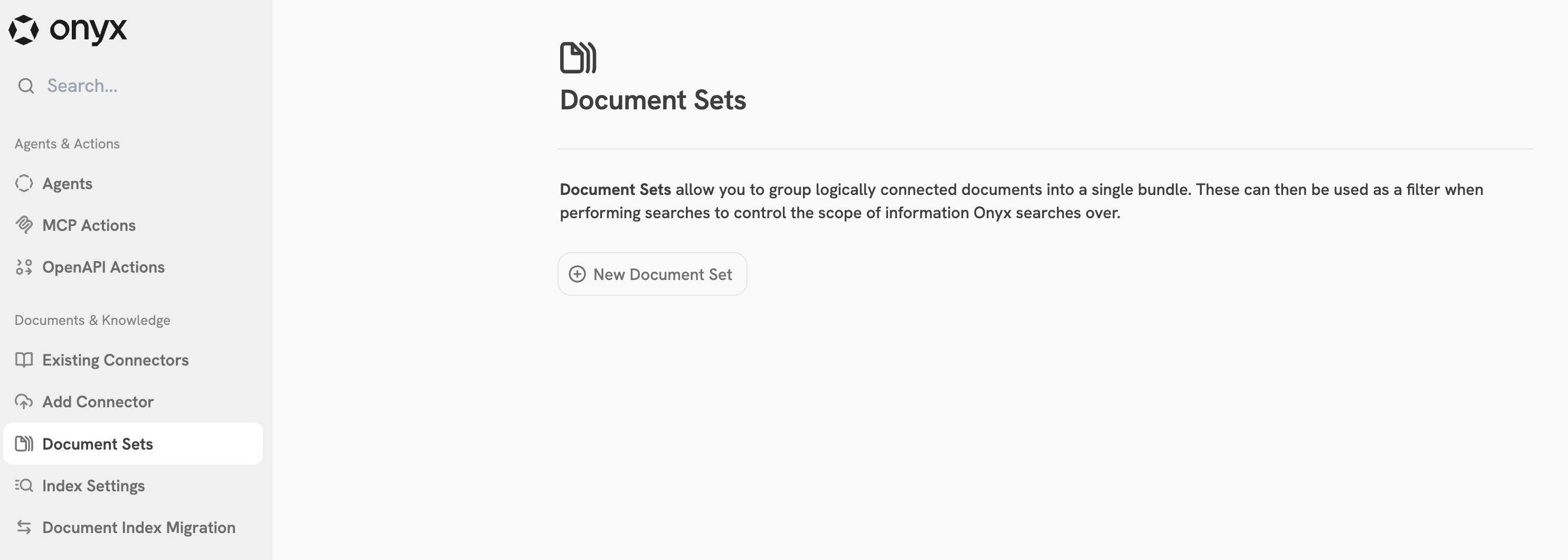
2
Create New Document Set
Click New Document Set and provide a name and description for your document collection.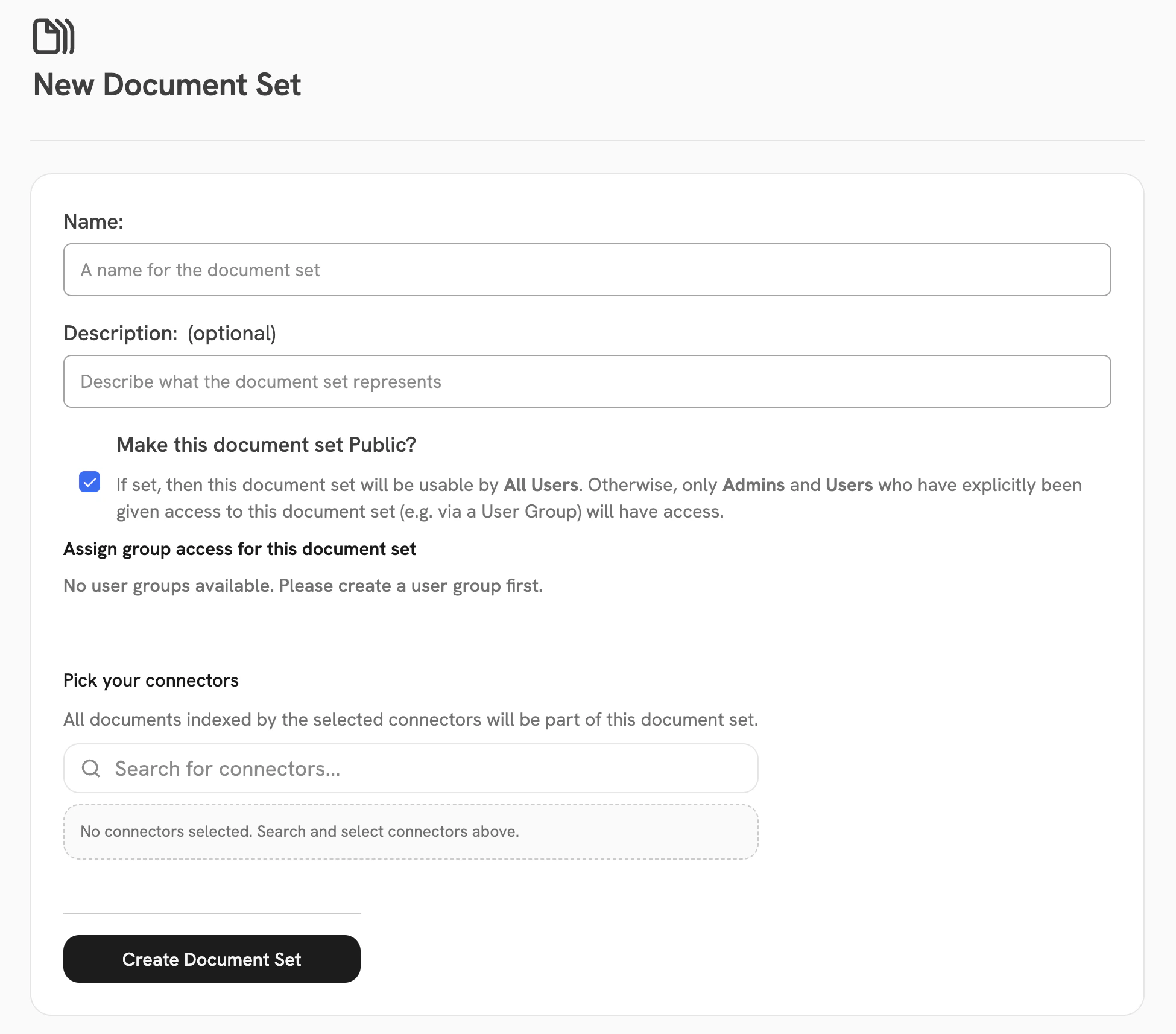
3
Add Connectors
Select which Connectors should be included in this Document Set.
You can combine multiple data sources into a single set.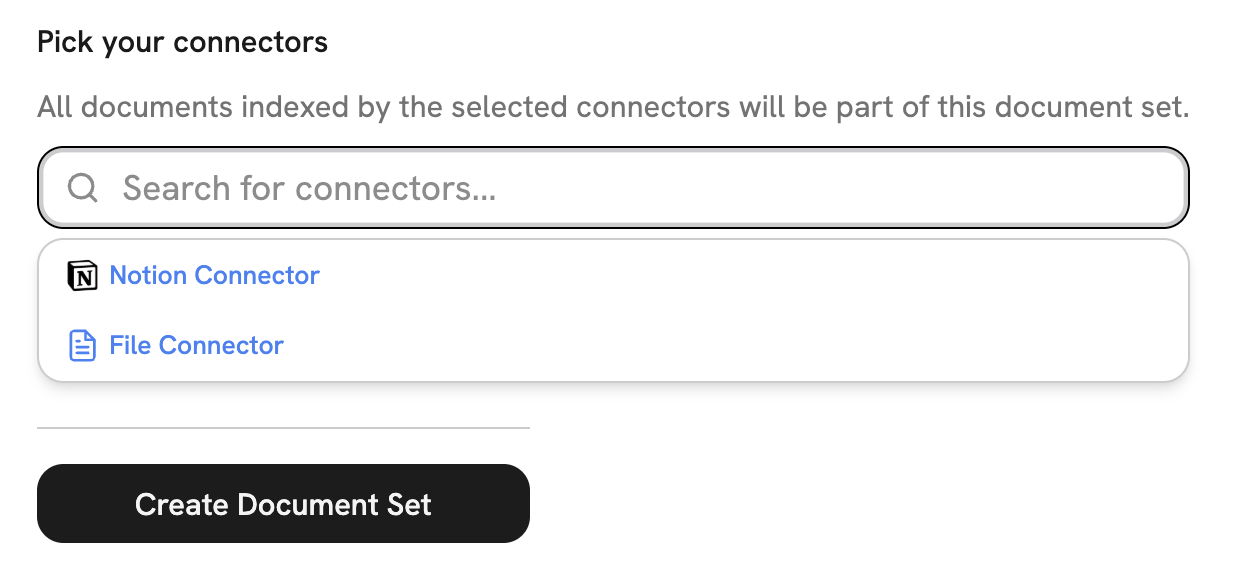
Use Cases
- Organized Knowledge: Group related content from different sources into a single collection.
- Agent Creation: Assign entire document collections to Agents so they only reference relevant knowledge.
- Access Control: Manage permissions at the document set level by associating sets with User Groups.
- Search Filtering: Enable users to search within specific document collections.