

This page applies to Onyx versions before v4.7. For Onyx v4.7 and later,
see Service Accounts.
API Keys exist as distinct users in Onyx, allowing you to trace activity and manage permissions at the key level.
API Key Types
Each key is created with a role, and that role decides what the key can reach:Admin API Keys
Admin API Keys
Can access all endpoints, including those pre-fixed with
admin/.Use cases:- Full system administration
- User management operations
- Data management and analytics
- Complete access to all Onyx features
Basic API Keys
Basic API Keys
Can access the non-admin endpoints like Search, Chat, Agents, and Actions.Use cases:
- Building chat applications
- Implementing search functionality
- Creating and managing agents
- Running actions and workflows
Limited API Keys
Limited API Keys
Read-only Agent access. Can post messages to Chat endpoints, but cannot read chat history.Use cases:
- Highly restricted environments
- Specific use cases requiring minimal permissions
- Testing with limited scope
Creating API Keys
Only Admins can create and manage API keys.1
Navigate to Service Accounts
In the Admin Panel, go to Service Accounts.
2
Create New API Key
Click New Service Account, give the key a name, and select the role for your use case.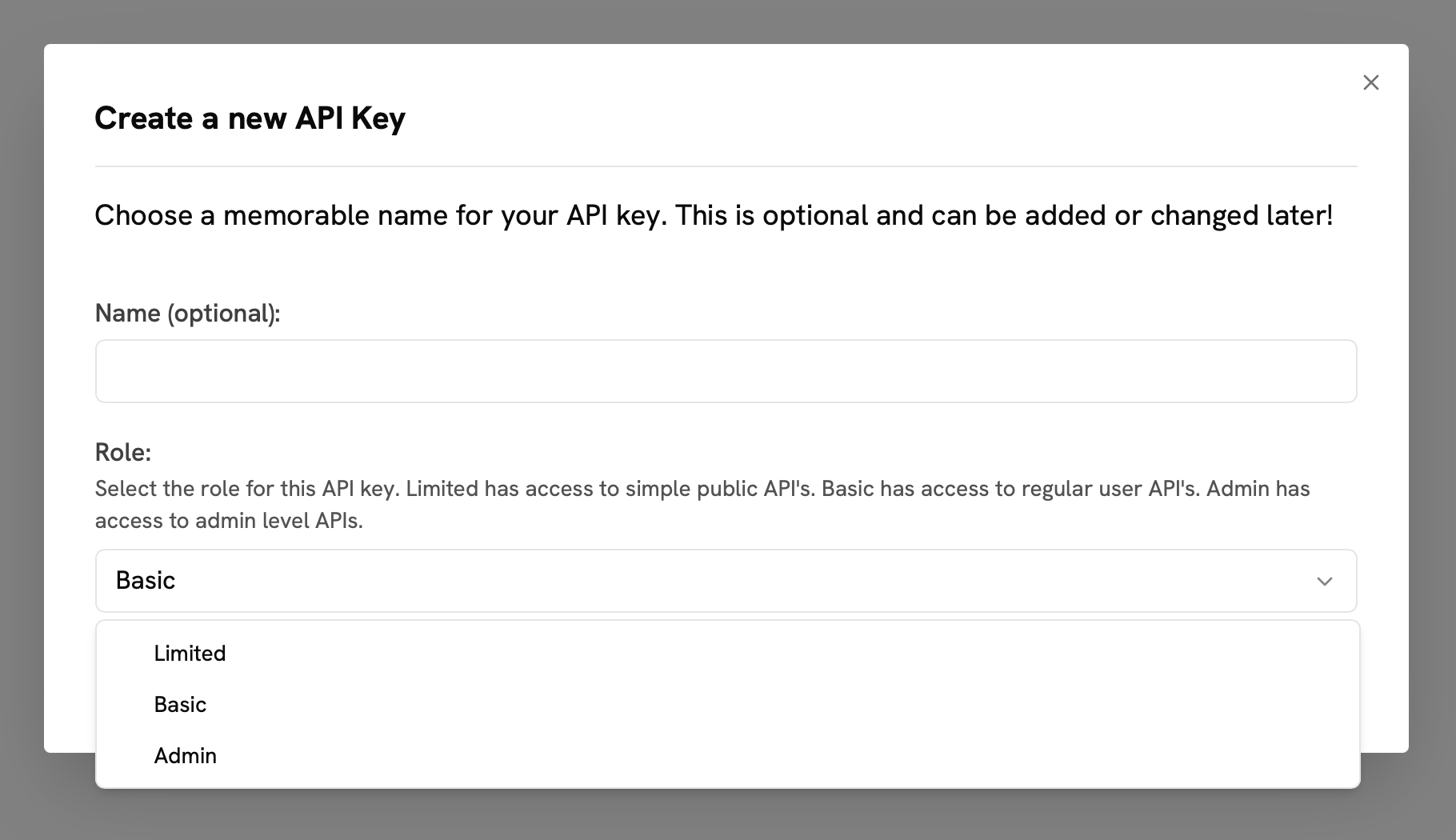
3
Save and Copy Key
After creation, immediately copy and securely store the API key. It is shown only once.