

Guide
Configure Onyx to use models served by OpenRouter.1
Setup OpenRouter and Deploy your Models
Log in to your OpenRouter account and create a new API key.
2
Navigate to Language Models
Access the Admin Panel from your user profile icon, then navigate to Configuration → Language Models.
3
Configure OpenRouter
Select OpenRouter from the available providers.Give your provider a Display Name.Enter your OpenRouter API Key.Click the Fetch Available Models button to see the models currently available on OpenRouter.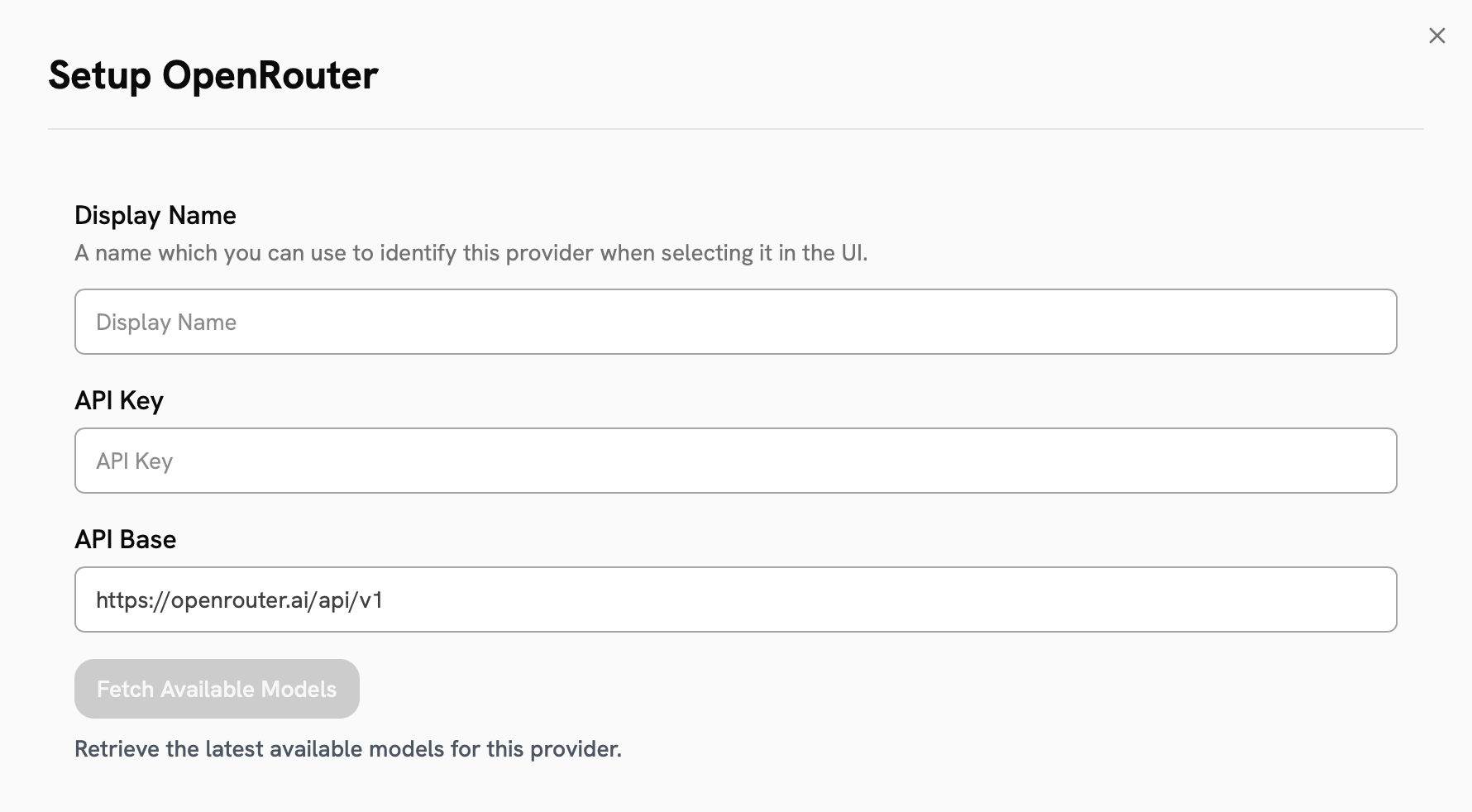
4
Choose Visible Models
In the Advanced Options, you will see a list of all models available from this provider.
You may choose which models are visible to your users in Onyx.Setting visible models is useful when a provider publishes multiple models and versions of the same model.
5
Designate Provider Access
Lastly, decide whether the provider should be public to all users in Onyx.If set to private,
the provider’s models will be available to Admins and User Groups you explicitly assign the provider to.