

How it works
The Guru connector indexes the Cards that the connected Guru user can see. Each Card becomes one document. The Card’s collection and folders are stored as document metadata. Onyx checks Guru for new and changed Cards on the connector’s refresh schedule. The default is every 30 minutes. The Guru connector does not support Sync with Guru (permission sync).Setting up
Authorization
1
Obtain access token
Create a Guru User Token for the account that Onyx indexes as.
Follow the Guru API guide for details.
Indexing
1
Create a credential
Go to Admin Panel → Connectors and select Guru. Select New Guru Account.
Enter the user’s email in Guru Account Email and the User Token in API Token, then select Create.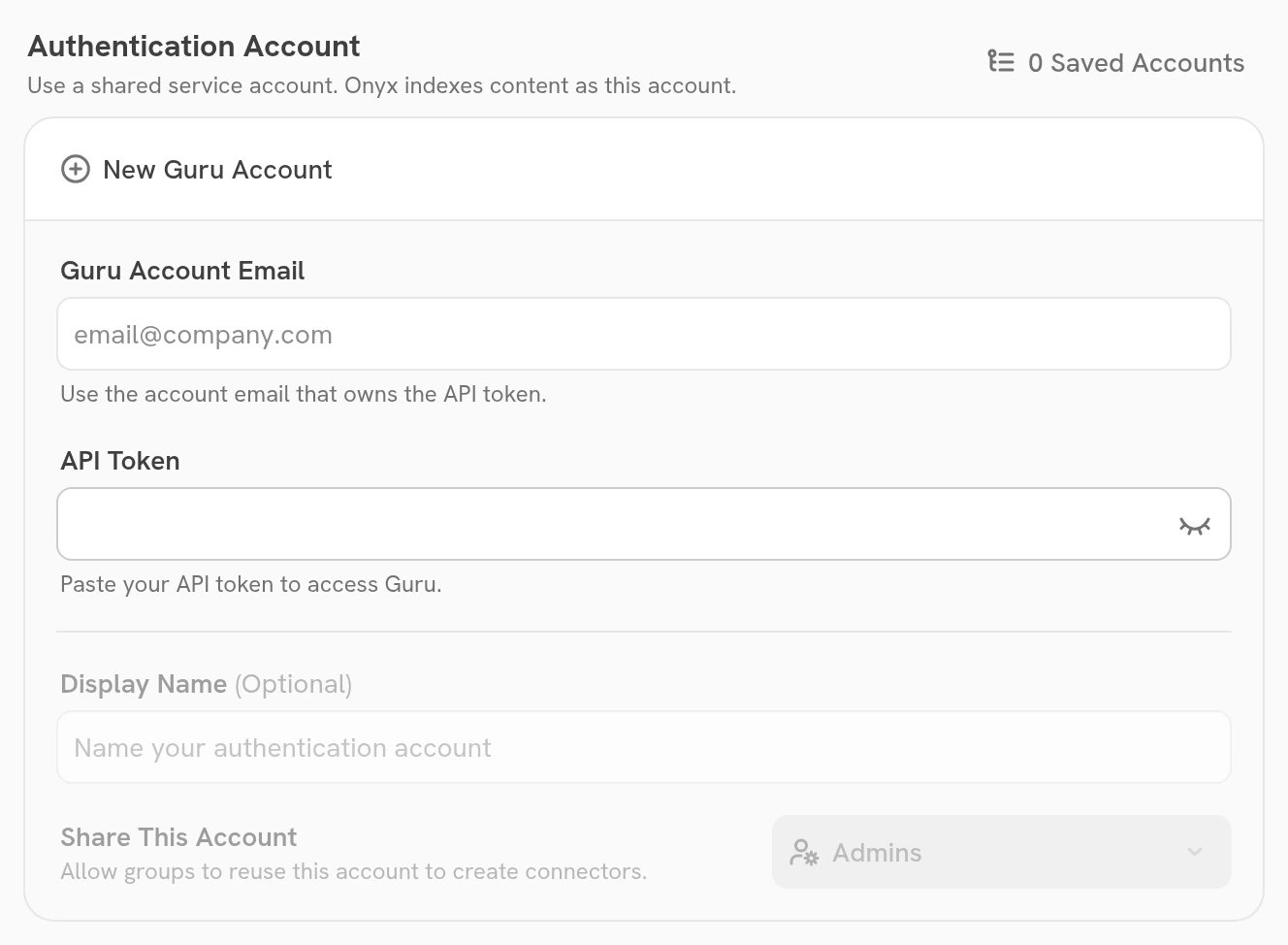
2
Choose document access
Under Document Access, select Everyone in Your Organization or Specific Groups.
Specific Groups needs the Business or Enterprise tier on Onyx Cloud, or the Enterprise Edition when self-hosted.
3
Start indexing
Select Create Connector to start indexing.